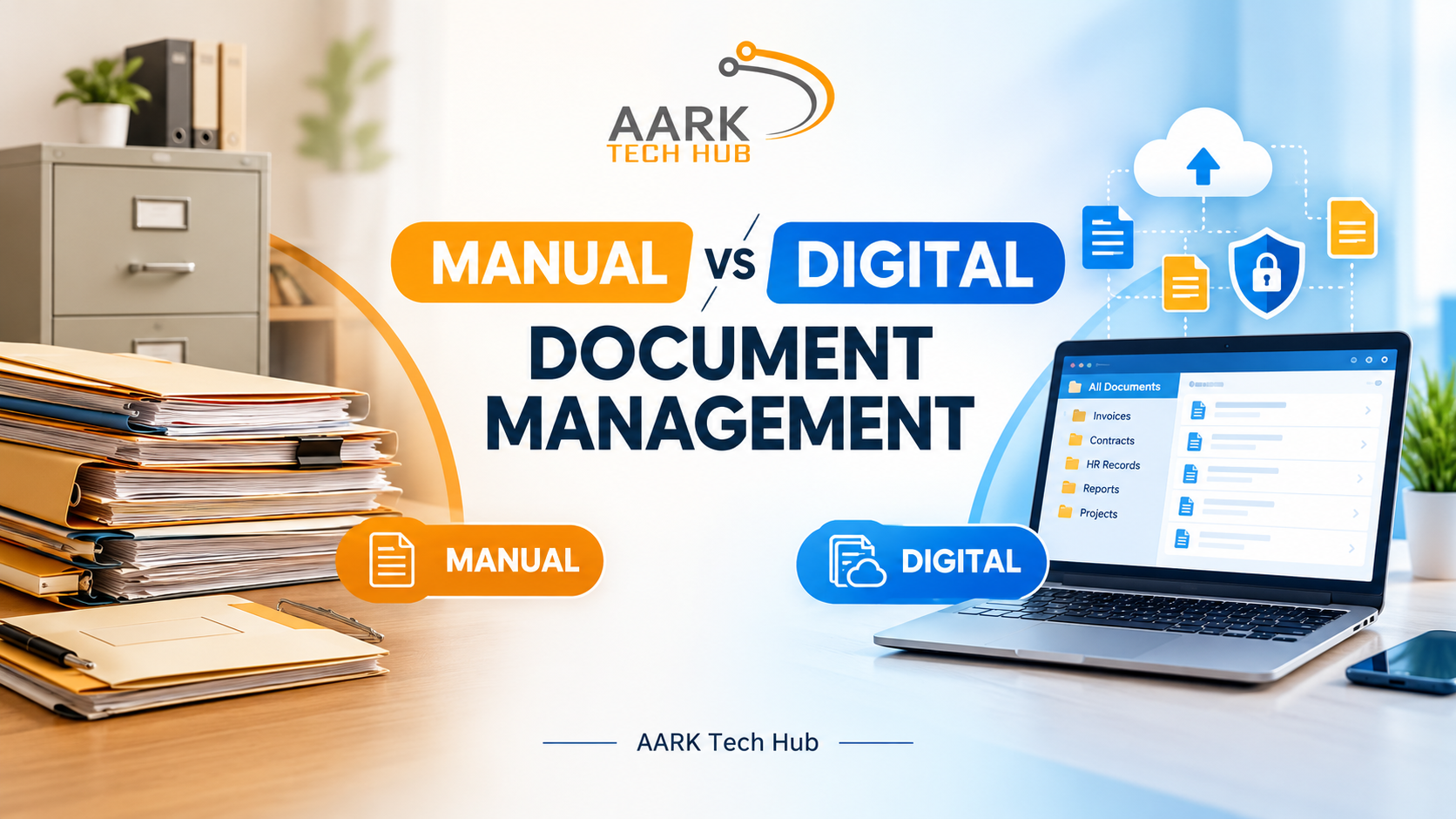
Every business handles documents daily, including invoices, contracts, employee records, customer details, reports, and financial statements. Managing these documents properly is important for maintaining organized workflows and ensuring that information is available when needed. However, businesses can manage documents in two different ways: manually using paper files or digitally using document management software.
While manual document management has been used for many years, digital document management is becoming increasingly popular because of its convenience, speed, and security features. In this blog, we will compare manual and digital document management to help you understand which approach is better for your business.
What Is Manual Document Management?
Manual document management involves creating, storing, organizing, and retrieving documents using physical files, folders, cabinets, and paper records. Businesses using this method usually depend on employees to maintain records and keep documents organized.
For example, a company might store customer invoices in separate folders, maintain employee information in physical files, and keep financial records in filing cabinets.
This method can work for small businesses that handle a limited number of documents. However, as a business grows, managing large volumes of paperwork becomes more difficult. Finding specific records, updating information, and maintaining proper document security can require significant time and effort.
What Is Digital Document Management?
Digital document management involves storing, organizing, accessing, and managing documents electronically through software or digital platforms. Instead of relying on physical paperwork, businesses can store files in a centralized digital system.
A digital document management system (DMS) allows employees to upload documents, search for specific files, organize records into categories, and control who can access sensitive information.
Depending on the software, businesses can also benefit from document version control, automated workflows, access permissions, digital approvals, and secure backups.
Digital document management helps companies reduce paperwork and manage business information more efficiently.
Manual vs Digital Document Management: Key Differences
1. Document Storage and Organization
In manual document management, businesses need physical storage space for files, folders, and cabinets. As the number of documents increases, maintaining an organized filing system becomes more challenging.
Digital document management stores files electronically, allowing businesses to organize documents using folders, categories, tags, and metadata. This makes it easier to maintain records without requiring large amounts of physical storage space.
Winner: Digital document management, especially for businesses handling large volumes of documents.
2. Finding and Accessing Documents
Searching for a document manually can take several minutes or even longer if files are misplaced or stored incorrectly. Employees may need to check multiple folders or contact colleagues to locate the required information.
Digital systems often provide search functions that help users find documents using file names, keywords, dates, or other available information. Authorized employees can access the files they need without searching through physical cabinets.
This saves time and improves employee productivity.
Winner: Digital document management.
3. Document Security
Physical documents can be lost, damaged, copied, or accessed by unauthorized people. Businesses must take additional precautions to protect confidential records.
Digital document management systems can provide user permissions, password protection, access logs, encryption, and backup options, depending on the solution. These features help businesses control access to sensitive information.
However, digital systems also require proper cybersecurity practices, secure configurations, and regular maintenance.
Winner: Digital document management, when the system is properly configured and maintained.
4. Cost and Resource Management
Manual document management may appear inexpensive initially because it does not require specialized software. However, businesses still spend money on printing, paper, ink, filing cabinets, storage space, and employee time.
Digital document management may require an initial investment in software, implementation, training, and maintenance. Over time, it can reduce printing costs, paperwork, storage requirements, and repetitive administrative work.
The actual savings depend on the size of the business and the features it needs.
Winner: Digital document management for many growing businesses seeking long-term efficiency.
5. Collaboration and Workflow
With manual systems, sharing documents may require printing, photocopying, scanning, or physically transferring files between departments. This can slow down approvals and communication.
Digital document management allows authorized employees to share files electronically. Some systems also support approval workflows, document comments, notifications, and version tracking.
These capabilities help teams collaborate more efficiently, particularly when employees work from different locations.
Advantages of Manual Document Management
Manual document management can still be suitable for businesses with simple requirements. It requires little technical knowledge, may involve lower initial software costs, and allows employees to work with physical records directly.
It can also be useful when original paper documents must be retained for legal, operational, or regulatory reasons.
However, manual methods become harder to manage when document volumes increase, multiple employees need access, or faster information retrieval becomes essential.
Advantages of Digital Document Management
Digital document management offers several benefits for modern businesses. It reduces dependence on physical paperwork, improves document search and retrieval, and supports better organization.
It can also improve collaboration, strengthen access control, support backups, and automate repetitive document-related tasks. Businesses can choose cloud-based or on-premises solutions depending on their security, infrastructure, and operational requirements.
For companies with specific workflows, a custom document management system can provide features designed around their business processes rather than forcing employees to adapt to a generic platform.
Should Your Business Choose Manual or Digital Document Management?
The right choice depends on your business size, document volume, budget, security requirements, and future growth plans.
Manual document management may be sufficient for a small operation with very few records and limited sharing requirements. However, businesses that handle large amounts of paperwork, manage multiple departments, or need faster access to information can benefit from digital document management.
Before selecting a solution, consider whether it supports your required file formats, access permissions, backup procedures, integrations, and document retention policies. It is also important to train employees and establish clear procedures for managing digital records.
Conclusion
Manual document management can work for businesses with basic record-keeping needs, but it becomes increasingly challenging as operations grow. Digital document management offers a more scalable approach by making documents easier to organize, search, share, and protect.
For businesses looking to reduce paperwork and improve operational efficiency, investing in the right document management solution can be a valuable step toward digital transformation.
Looking for a document management solution tailored to your business? AARK Tech Hub provides software development services to help businesses build solutions around their specific requirements. Visit AARK Tech Hub to explore your options and discuss your project.
Frequently Asked Questions (FAQs)
1. What is the main difference between manual and digital document management?
Manual document management relies on physical files and paper records, while digital document management uses software to store, organize, search, and manage electronic documents.
2. Is digital document management better than manual document management?
For many growing businesses, yes. Digital systems generally offer faster document retrieval, easier collaboration, and better access control. However, the best option depends on business requirements.
3. Can small businesses benefit from a digital document management system?
Yes. Small businesses can reduce paperwork, organize records, improve access to information, and prepare for future growth by adopting a suitable digital system.
4. What features should a document management system include?
Important features include document search, centralized storage, access permissions, version control, backups, and document sharing. Workflow automation and integrations may also be useful.
5. Can a document management system be customized?
Yes. A custom document management system can be developed to match a company's workflows, user roles, security requirements, and integration needs.